Video Loom

Music video editor

A music video editor for generated and source footage.

Video Loom treats generated clips as production assets. Plan the scene, generate or import takes, review them with collaborators, and assemble the final cut in one workspace.

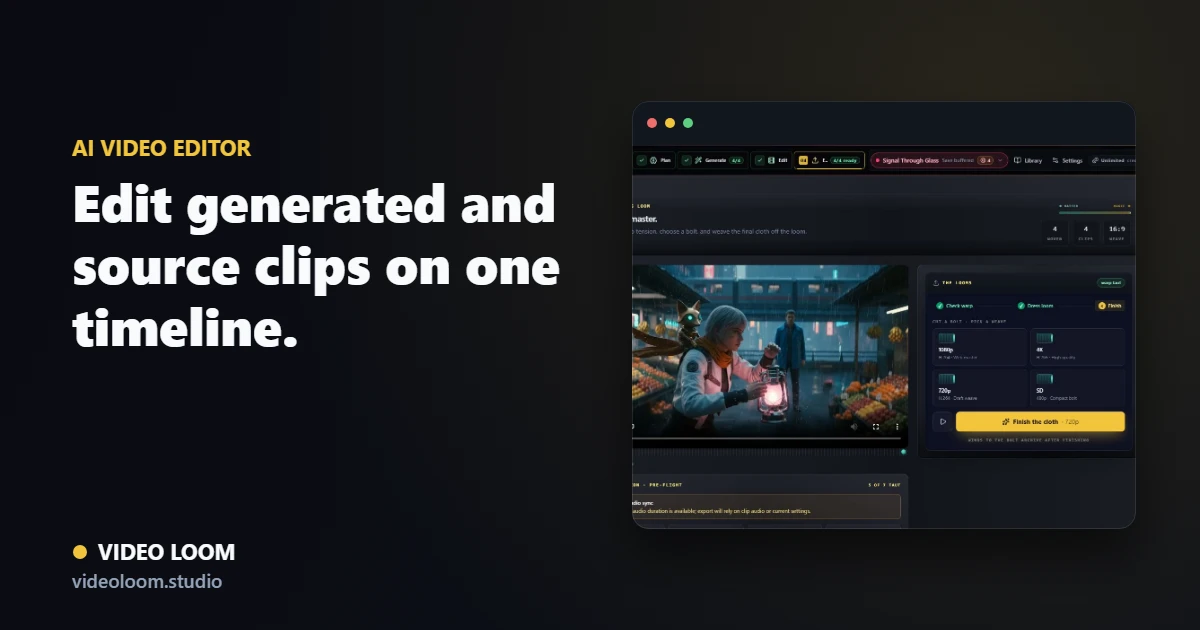
Video Loom finishing workspace with a generated clip and export controls

Generated takes stay editable

Scenes keep their prompts, takes, references, provider metadata, usage context, and revision history attached, so an edit decision does not erase the production trail.

  • Compare takes for the same scene.
  • Retry or regenerate without losing the rest of the edit.
  • Track provider and model choices for each generated asset.

Timeline finishing for music workflows

Bring generated clips, source footage, captions, transitions, and audio sync together in a timeline designed around the final export.

  • Trim, reorder, and assemble scene clips.
  • Use captions and lyric-adjacent overlays.
  • Export finished videos from the same project state.

Review packages and collaboration

Cloud projects, comments, and review exports keep the client-facing side of production connected to the same source of truth.

  • Private cloud project storage.
  • Comments and shared review context.
  • Project export packages for handoff, client review, and archive.

Production path

From source material to final cut.

Video Loom connects planning, generation, review, and finishing so AI video work behaves like a production workflow.

  1. 1 Source
  2. 2 Plan
  3. 3 Generate
  4. 4 Review
  5. 5 Export

Questions

What teams ask before opening the app.

Does Video Loom replace a professional NLE?

No. Video Loom is focused on AI-assisted planning, generation, review, and web-based finishing. It can also support handoff to external editing workflows.

Can I combine generated clips with my own footage?

Yes. The workflow supports imported source media alongside generated scene takes and assembled timeline output.