Video Loom

AI video storyboard

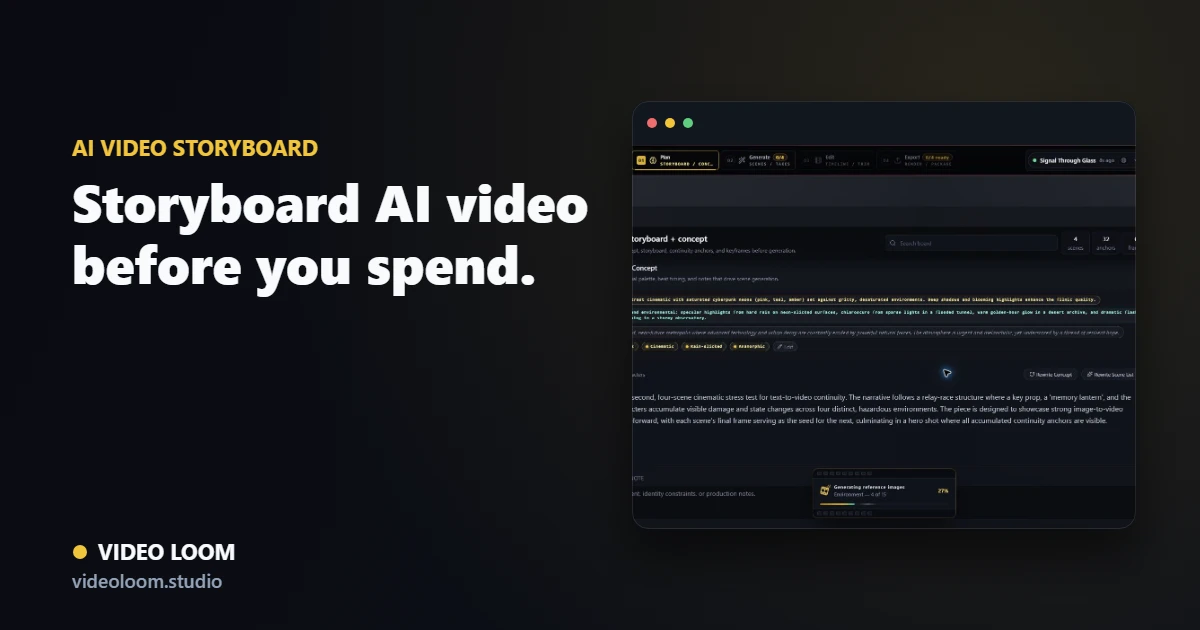
Storyboard AI video before provider spend.

Video Loom helps teams shape the production plan first, so every generated take has a role, a duration, a visual target, a cost context, and continuity context.

Video Loom storyboard with timed scenes, continuity anchors, and camera notes

Scene planning for real revisions

Break long ideas into manageable shots with titles, descriptions, actions, camera angles, durations, references, and generation status.

  • Shot-level prompts and camera language.
  • Duration planning for music-video sections.
  • Batch progress and readiness checks before generating.

Continuity built into the board

The storyboard can carry cast, environments, references, keyframes, and source media so the plan and the generation context stay aligned.

  • Character and environment references.
  • Visual reference roles by scene.
  • Keyframe and source-video context for image-to-video or video-to-video shots.
A bridge from creative direction to providers

Storyboard details become provider-ready generation inputs, reducing the gap between client-approved direction and AI video execution.

  • Per-scene model and provider overrides.
  • Fallback chains and recoverable job IDs where available.
  • Take metadata for cost, status, and review.

Production path

From source material to final cut.

Video Loom connects planning, generation, review, and finishing so AI video work behaves like a production workflow.

  1. 1 Source
  2. 2 Plan
  3. 3 Generate
  4. 4 Review
  5. 5 Export

Questions

What teams ask before opening the app.

Can I edit the storyboard after generation?

Yes. Scene details, prompts, takes, and timeline assembly remain part of the project so revisions can continue after initial generation.

Why storyboard AI video first?

Planning reduces wasted provider spend and makes creative direction reviewable before long-running generation begins.