Video Loom

Lyric video generator

Make lyric videos with a real production path.

Video Loom gives lyric-driven work a full production path: analyze the track, plan visual sections, generate supporting scenes, place captions, and export the cut.

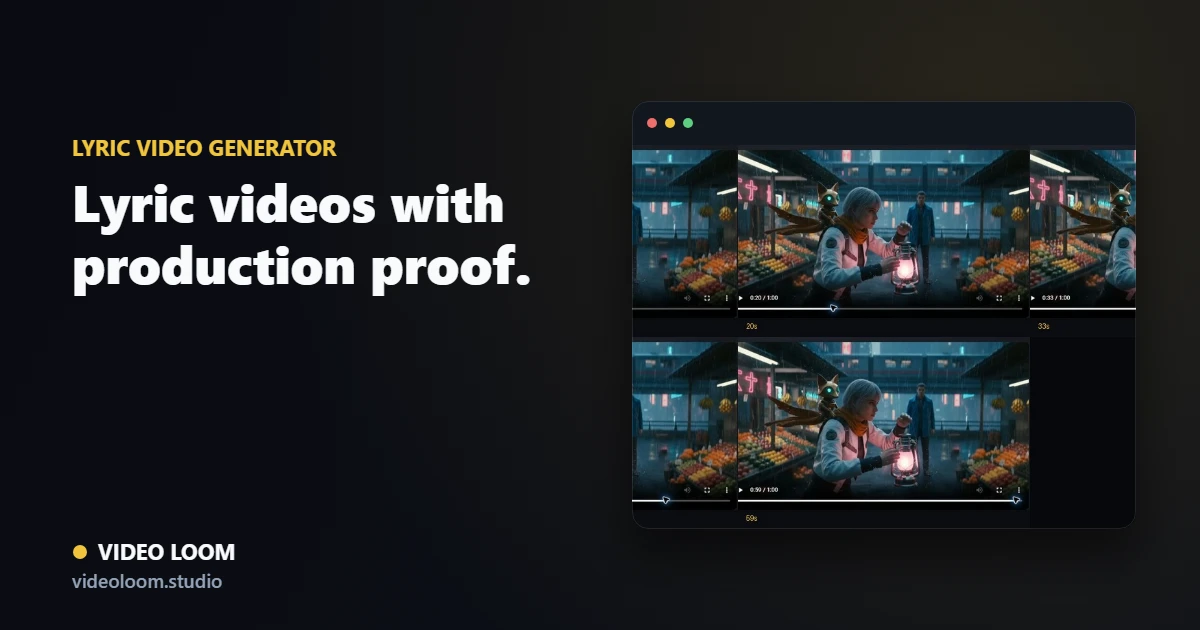
Generated live-run music-video frames used as proof imagery in Video Loom

Audio-led planning

Use transcription, structure, mood, tempo, and themes as inputs for a visual plan that fits the track instead of dropping lyrics onto a generic loop.

  • Track-aware scene planning for verses and hooks.
  • Mood and theme extraction for visual direction.
  • Caption-friendly timelines and finishing workflows.

Generated visuals for each section

Generate supporting video takes, style references, and story beats around the lyrics while preserving continuity across the whole piece.

  • Scene prompts tied to lyric sections.
  • Reference images and style rules for consistent looks.
  • Provider routing by shot and desired quality tier.

Export-ready cuts

Assemble captions, generated scenes, imported clips, and final audio sync in one project so the lyric video is ready for delivery.

  • Timeline assembly and export flow.
  • Reviewable project state.
  • Final videos aligned to the source audio.

Production path

From source material to final cut.

Video Loom connects planning, generation, review, and finishing so AI video work behaves like a production workflow.

  1. 1 Source
  2. 2 Plan
  3. 3 Generate
  4. 4 Review
  5. 5 Export

Questions

What teams ask before opening the app.

Does Video Loom transcribe audio for lyric videos?

Yes. The audio workflow includes transcription and track analysis that can guide lyric-oriented scenes and captions.

Can lyric videos include generated cinematic scenes?

Yes. Lyric and caption work can be combined with generated scene video, source footage, and timeline edits.